Visual Studio Service Bus Explorer versus Standalone Service Bus Explorer
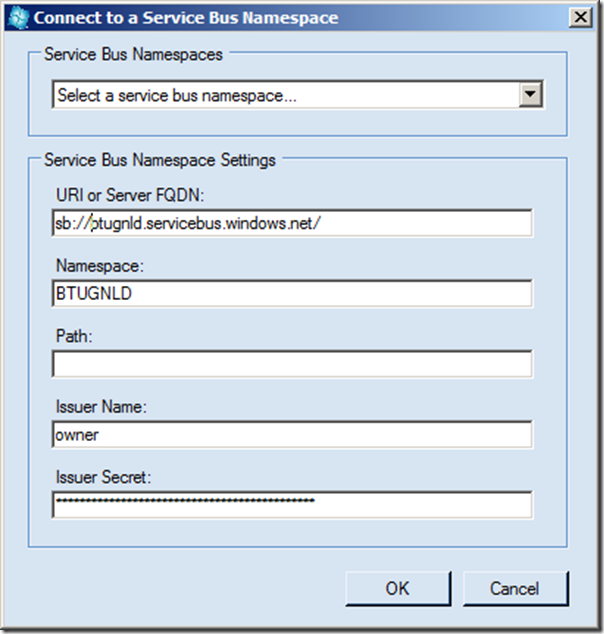
In a previous post I explored a new feature of the Windows Azure SDK 1.7. in Visual Studio, the Service Bus Explorer. I demonstrated the capabilities of this feature in Visual Studio, creating new queues, topics, subscriptions and rules. The same capabilities are present in the Service Bus Standalone tool (Windows Forms Application) built by Paolo Salvatori . INTRODUCTION The stand alone tool can be download from MSDN Code Gallery. You can then open the compressed file. Subsequently open the solution in Visual Studio 2010 or 2012 RC. Build and run it. To use the tool you need to connect to the Service Bus. In menu bar you select Menu –> Connect. In dialog that pops up you fill in the details. You click Ok an connection with the Service Bus will be made. You can now start creating and using queues, topics and subscriptions similar as with explorer in Visual Studio. However, the user experience is different as the Standalone version offers more functions when you right c...
